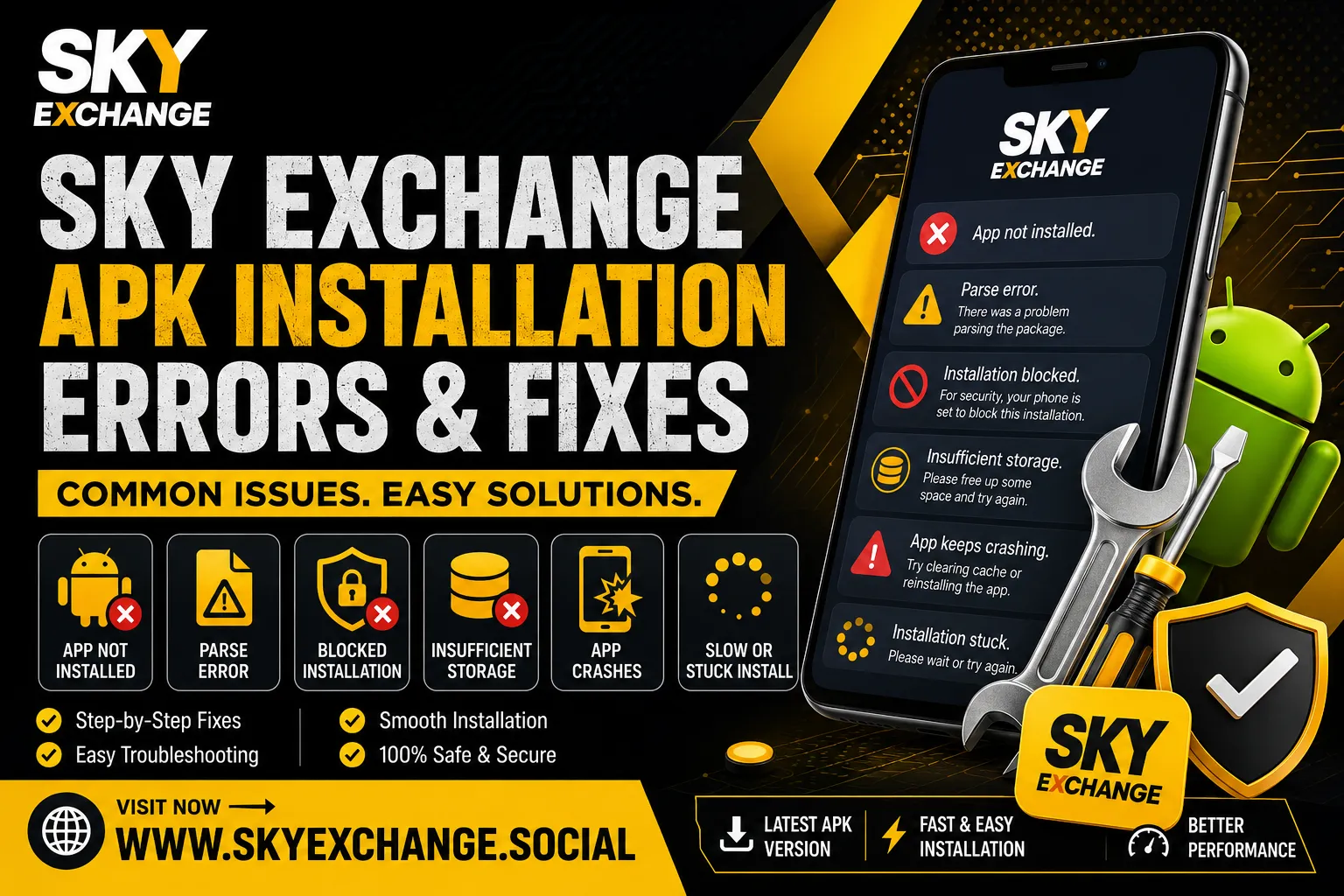
Installing the Sky Exchange APK is usually quick and straightforward, but some users may occasionally face installation errors due to device settings, storage limitations, or outdated Android versions. If your app isn’t installing or keeps crashing, don’t worry—most problems can be resolved in just a few minutes.
This guide explains the most common Sky Exchange APK installation errors, why they happen, and the best solutions to get the app running smoothly. Whether you’re installing the APK for the first time or updating to the latest version, these troubleshooting tips will help ensure a hassle-free experience.
Why Players Choose Sky Exchange App
The Sky Exchange App is designed to provide a smoother and faster experience than using a mobile browser. Many users prefer the APK because it offers quick access to features and optimized performance on Android devices.
Some of the key benefits include:
- Faster loading times
- Smooth navigation
- Optimized mobile interface
- Regular app updates
- Easy access to cricket, sports, and live casino sections
- Better overall performance on Android smartphones
For the best experience, always download the latest APK version from the official Sky Exchange website.
Common Sky Exchange APK Installation Errors
Although the installation process is generally simple, Android devices may display different error messages depending on your settings or device compatibility.
1. “App Not Installed” Error
This is one of the most common Android installation errors.
Possible Causes
- Existing version conflicts
- Corrupted APK file
- Device incompatibility
- Incomplete download
2. Parse Error
The message usually appears as:
“There was a problem parsing the package.”
Possible Causes
- Incomplete APK download
- Unsupported Android version
- Damaged installation package
3. Blocked Installation Warning
Many Android phones block apps downloaded outside the Google Play Store.
Typical message:
“Installation blocked for security reasons.”
4. Insufficient Storage Error
The installation may stop if your phone doesn’t have enough free storage.
Common causes include:
- Full internal storage
- Large media files
- Too many installed applications
5. App Crashes After Installation
Sometimes the app installs successfully but closes immediately after opening.
Possible reasons include:
- Outdated Android OS
- Corrupted app cache
- Older APK version
- Device compatibility issues
6. Slow or Stuck Installation
The installation process may remain at:
- 0%
- Preparing App
- Installing…
This usually indicates device or storage-related issues.
Fixes for Sky Exchange APK Installation Issues
Fix 1: Solve “App Not Installed” Error
If you see the App Not Installed message:
- Delete the previously installed APK.
- Download the latest version again.
- Restart your phone.
- Make sure the APK download completed successfully.
- Try installing again.
If an older version is already installed, uninstall it before installing the latest APK.
Fix 2: Handle Parse Errors
To resolve parse errors:
- Verify that the APK file downloaded completely.
- Download the file again if necessary.
- Ensure your Android version supports the latest APK.
- Avoid modifying or renaming the APK file.
Using a stable internet connection can also prevent incomplete downloads.
Fix 3: Allow App Installation from Unknown Sources
Since the Sky Exchange APK is installed manually, Android requires permission to install apps from external sources.
Steps
- Open Settings
- Go to Security or Privacy
- Select Install Unknown Apps
- Choose your browser or file manager
- Enable Allow from this source
Once enabled, return to the APK file and begin the installation again.
Fix 4: Clear Storage Space
If storage is full:
- Delete unused applications.
- Remove duplicate photos and videos.
- Clear downloaded files.
- Empty your recycle bin (if available).
- Move media files to cloud storage or an SD card.
Keeping at least 1–2 GB of free storage helps Android install apps more efficiently.
Read Also: Sky Exchange Mobile App Hidden Features | Sky Exchange app download | Downlaod app for android ios
Fix 5: Fix Crashing Issues
If the app crashes immediately after opening:
Try the following:
- Restart your phone.
- Clear the app cache.
- Install the latest APK version.
- Update your Android operating system.
- Reinstall the application.
Most crashing issues are resolved after reinstalling the latest version.
Fix 6: Speed Up Installation
A slow installation is often caused by low device resources.
To improve installation speed:
- Close background applications.
- Restart your device.
- Free up RAM.
- Charge your phone above 20%.
- Use a stable Wi-Fi connection when downloading the APK.
These simple steps usually reduce installation time significantly.
Tips to Avoid Future Sky Exchange APK Issues
Preventing installation problems is easier than fixing them. Follow these best practices:
- Always download the APK from the official Sky Exchange website.
- Keep your Android version updated.
- Avoid installing modified APK files.
- Maintain sufficient free storage.
- Regularly update the app to the latest version.
- Use a reliable internet connection when downloading.
- Restart your phone occasionally to improve performance.
Following these recommendations can help ensure smooth app installation and operation.
Sky Exchange App vs Website Performance
Both the Sky Exchange App and website are designed to provide a seamless user experience. Choosing between them depends on your preferences and device.
| Feature | Sky Exchange App | Sky Exchange Website |
|---|---|---|
| Installation Required | Yes | No |
| Browser Needed | No | Yes |
| Loading Speed | Fast | Fast |
| Mobile Optimization | Excellent | Excellent |
| Automatic Updates | Manual APK Update | Always Latest Version |
| Storage Required | Yes | No |
| Accessibility | Installed on Device | Any Modern Browser |
Which One Should You Choose?
- Choose the Sky Exchange App if you prefer dedicated mobile access and quicker navigation.
- Use the Sky Exchange Website if you don’t want to install an APK or frequently switch between devices.
Both options provide access to the same account and core features.
Safety Precautions While Installing the APK
Security should always be a priority when installing Android applications.
Follow these precautions:
- Download the APK only from the official Sky Exchange website.
- Avoid third-party APK download websites.
- Keep your Android device updated.
- Use antivirus software if available.
- Do not install modified or unofficial APK files.
- Verify the APK version before installation.
- Remove older versions before installing a major update.
These steps help reduce the risk of installation issues and ensure a safer experience.
FAQs on Sky Exchange APK Installation
Is the Sky Exchange APK safe to install?
Yes, provided you download it from the official Sky Exchange website and avoid unofficial sources.
Why does the installation stop halfway?
This is often caused by insufficient storage, a corrupted download, or limited device resources. Re-download the APK and ensure adequate free space.
Why can’t I install the APK?
Check that:
- Unknown sources are enabled.
- Your Android version is compatible.
- The APK file downloaded correctly.
- There is enough available storage.
What should I do if the app keeps crashing?
Restart your device, clear the app cache, or reinstall the latest APK version. Updating your Android operating system may also help.
Can I use Sky Exchange without installing the APK?
Yes. You can access SkyExchange directly through a supported web browser without installing the application.
How often should I update the APK?
It’s recommended to install the latest available version whenever a new update is released to benefit from performance improvements, bug fixes, and security enhancements.
Final Thoughts
The Sky Exchange APK is built to deliver a fast and reliable mobile experience, but occasional installation issues can occur due to Android settings, storage limitations, or outdated software. Fortunately, most problems—such as “App Not Installed” errors, parse errors, blocked installations, insufficient storage, app crashes, or slow installations—can be resolved with a few simple troubleshooting steps.
By downloading the APK from the Sky exchange official website, keeping your device updated, maintaining enough storage space, and following the installation guidelines in this guide, you can enjoy a smooth setup process and uninterrupted access to the Sky Exchange app. If you continue to experience issues after trying these fixes, check for the latest APK version or contact the official support team for further assistance.
Disclaimer:
This article is intended for informational purposes only. Always participate responsibly and ensure you comply with the laws and regulations applicable in your jurisdiction before engaging in any betting-related activity.